Computing & Hardware
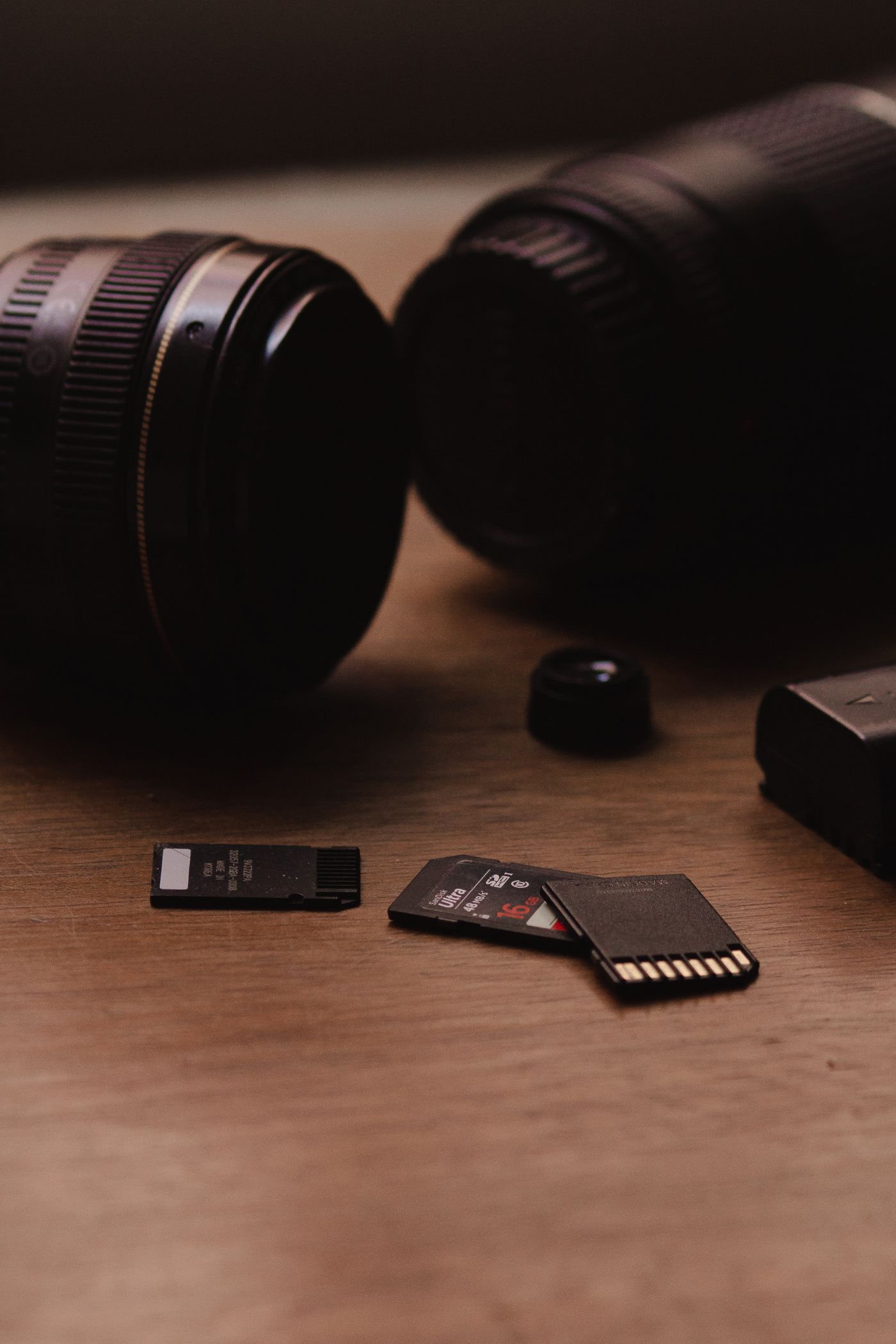
Choose a Memory Card for the Clip You Want to Record
Match the camera’s recording mode to its card instructions, then verify the full capture and transfer on equipment you already use.

Read practical explainers on apps, mobile devices, and the decisions around them.
Computing & Hardware
Match the camera’s recording mode to its card instructions, then verify the full capture and transfer on equipment you already use.
Artificial Intelligence
Check whether a linked source actually establishes a claim, then keep the qualifier, date, or measurement that makes it true.
Computing & Hardware
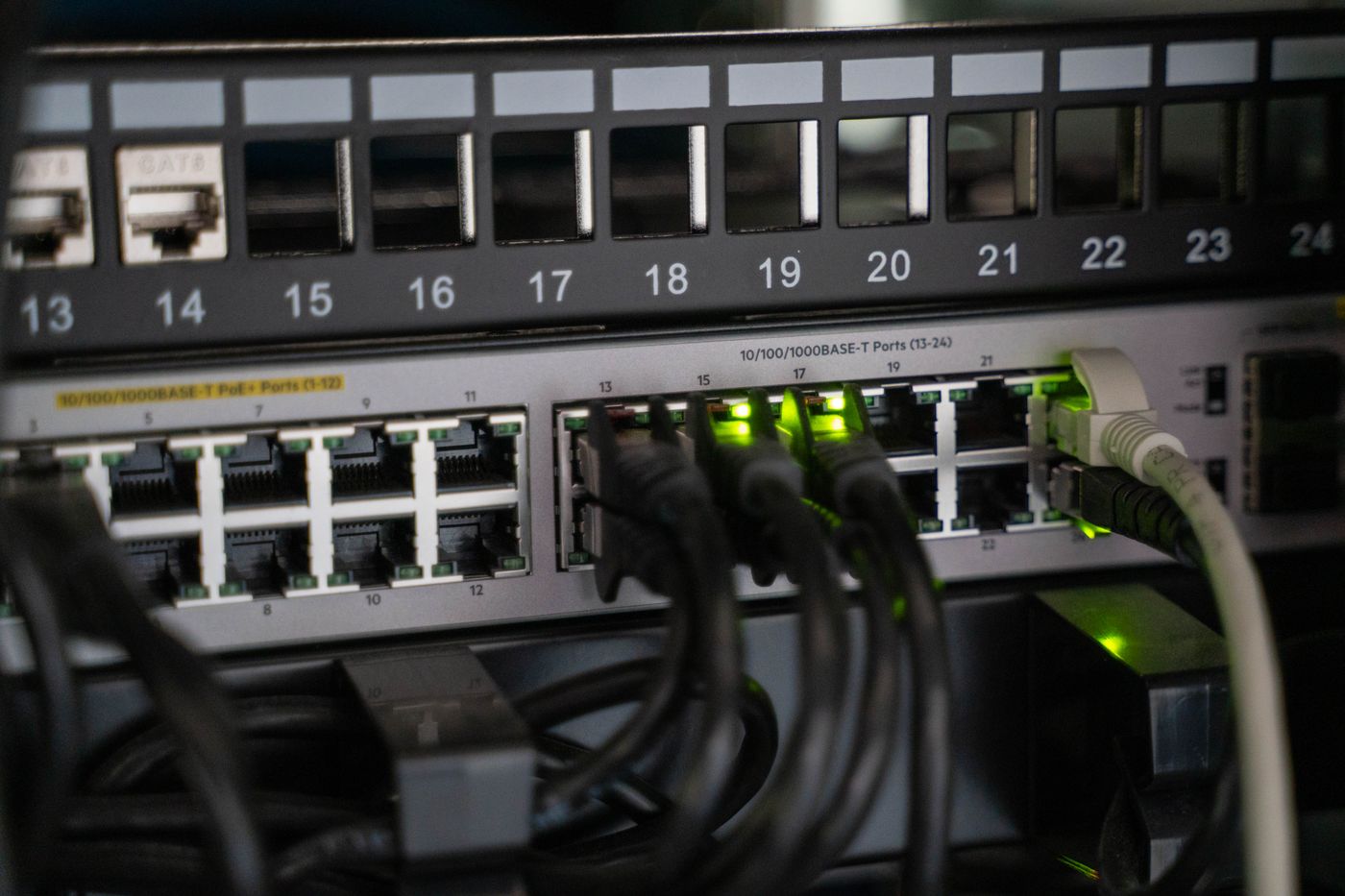
Label the devices that bring the connection into your home, and practice recognizing what has recovered before restarting anything else.
Software & Apps
Separate incoming files from work in progress and finished material, using names and permissions that a second person can understand without a tour.
Software & Apps
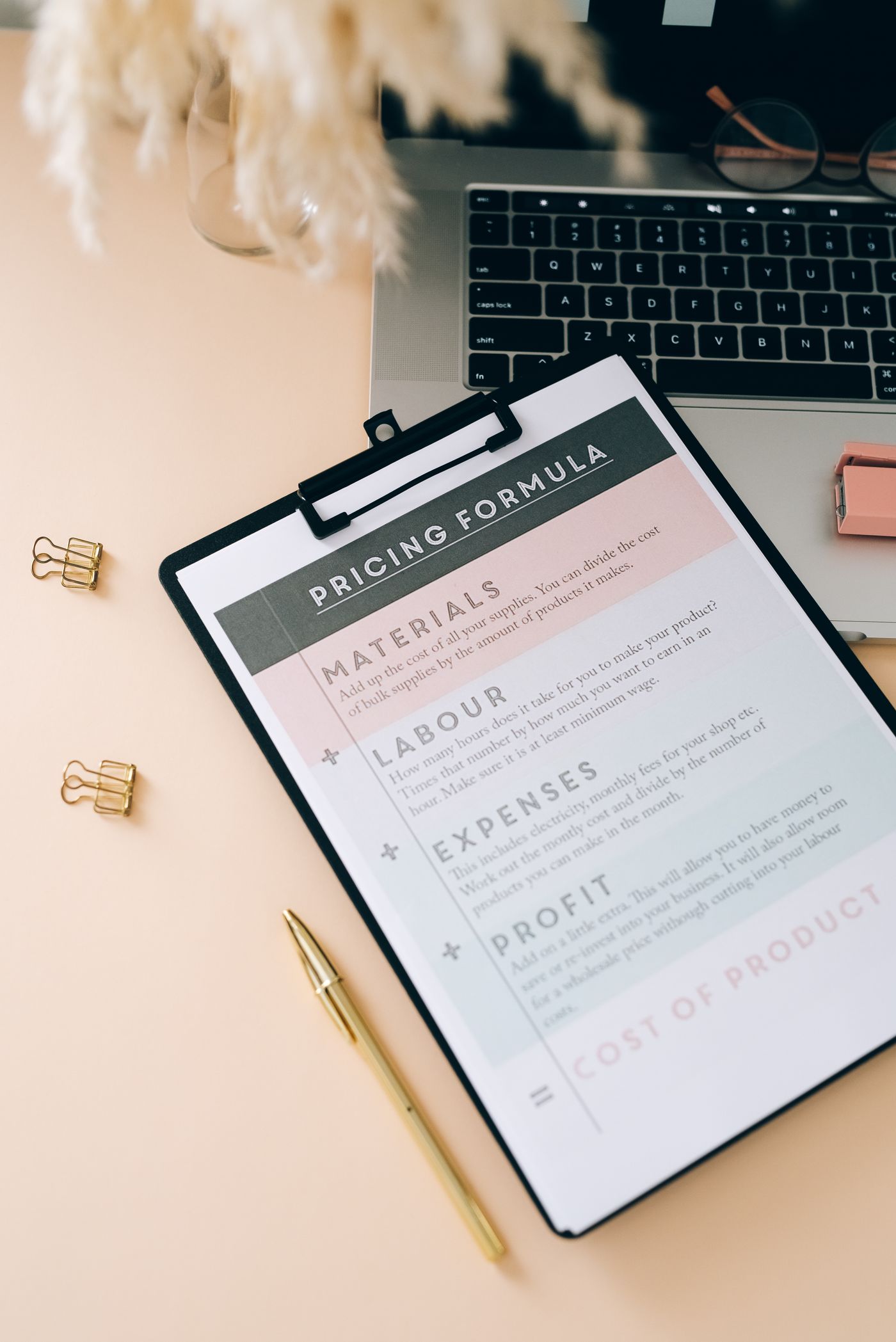
Use a disposable sample to test an intended naming rule, check for collisions, and give yourself a known way to recover before a bulk change.

Software & Apps
Before committing to a notes app, export a small collection and check whether the words, attachments, and links remain usable somewhere else.
Software & Apps
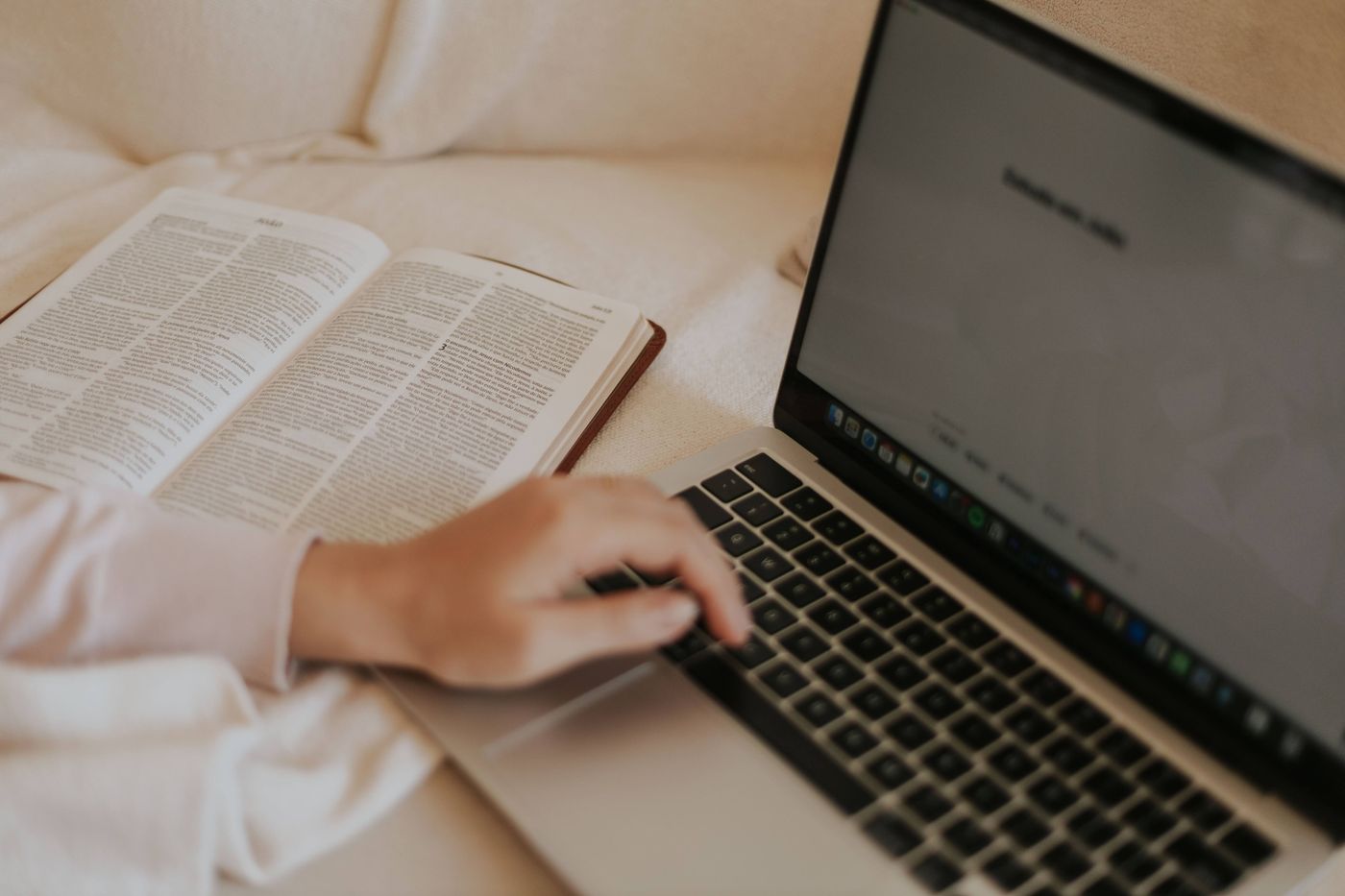
Carry a small set of bookmarks into a new browser and write a portable note that preserves which links matter and why.
Software & Apps
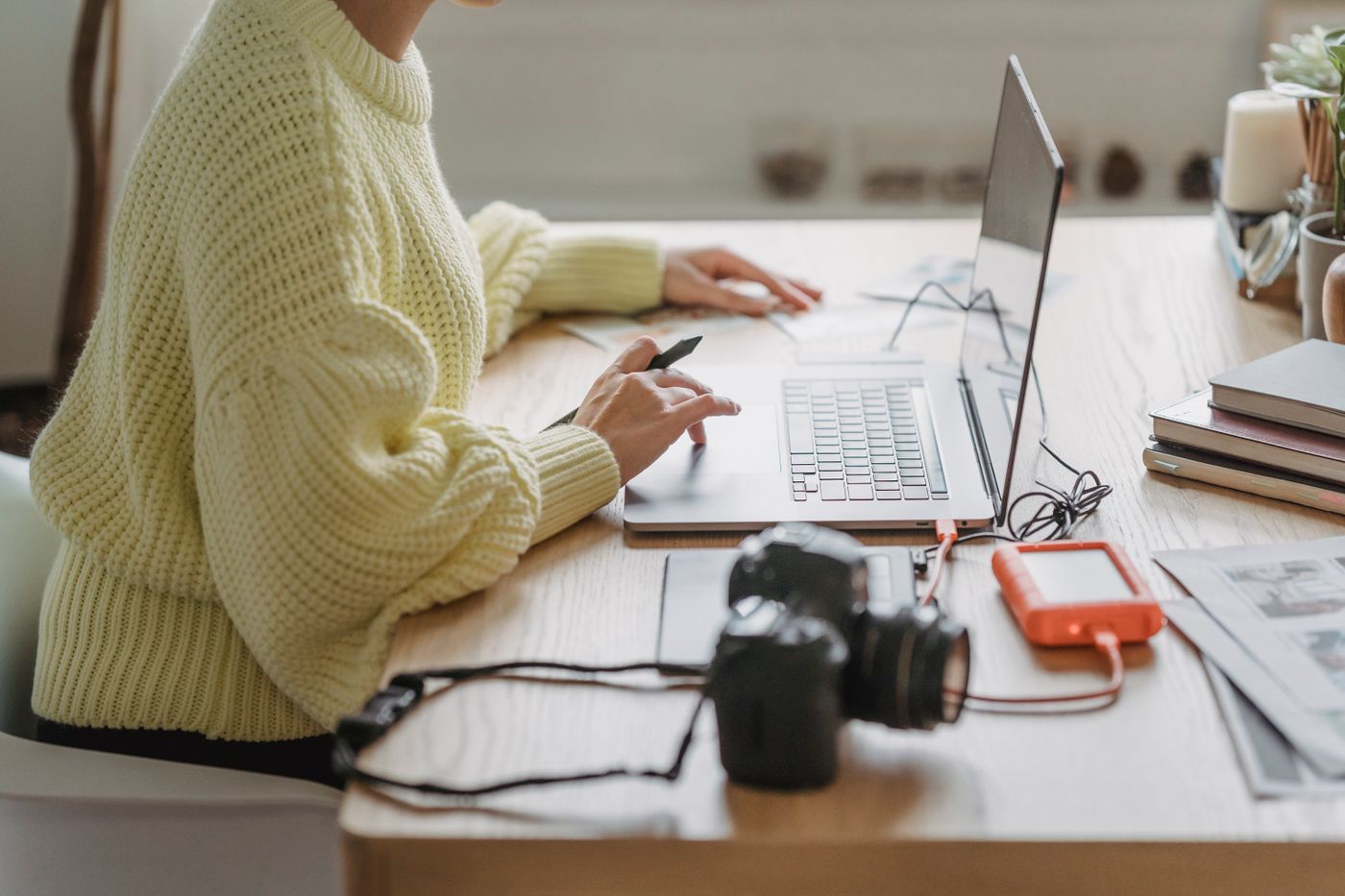
Prepare a wide screen image and a vertical print from the same frame while preserving the parts of the scene that tell its story.
Software & Apps
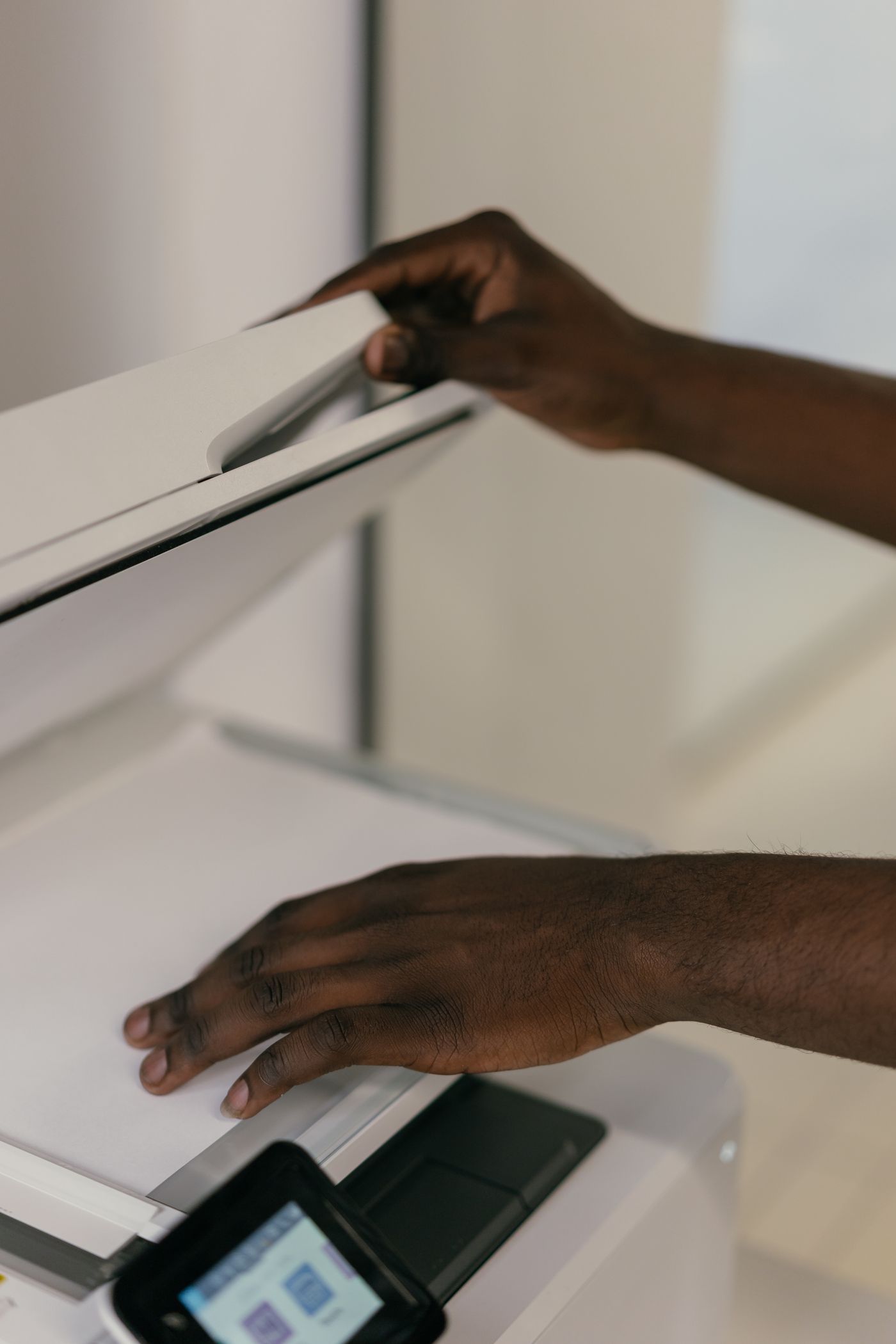
Compare a few settings on a sample sheet before digitizing a folder whose handwritten changes are as important as its printed text.
Software & Apps
Choose whose local hour anchors a meeting and check later occurrences before you ask people in several places to rely on the invitation.
Artificial Intelligence
Measure startup, the first visible response, and the time to a checked answer to see how well a local text model fits one ordinary task.
Artificial Intelligence
A small glossary can preserve labels across a manual or interface when it includes examples, exceptions, and room for a human decision.
Artificial Intelligence
Keep concept art distinguishable from photographs when an image leaves the design presentation and reaches a buyer, colleague, or catalog.
Artificial Intelligence
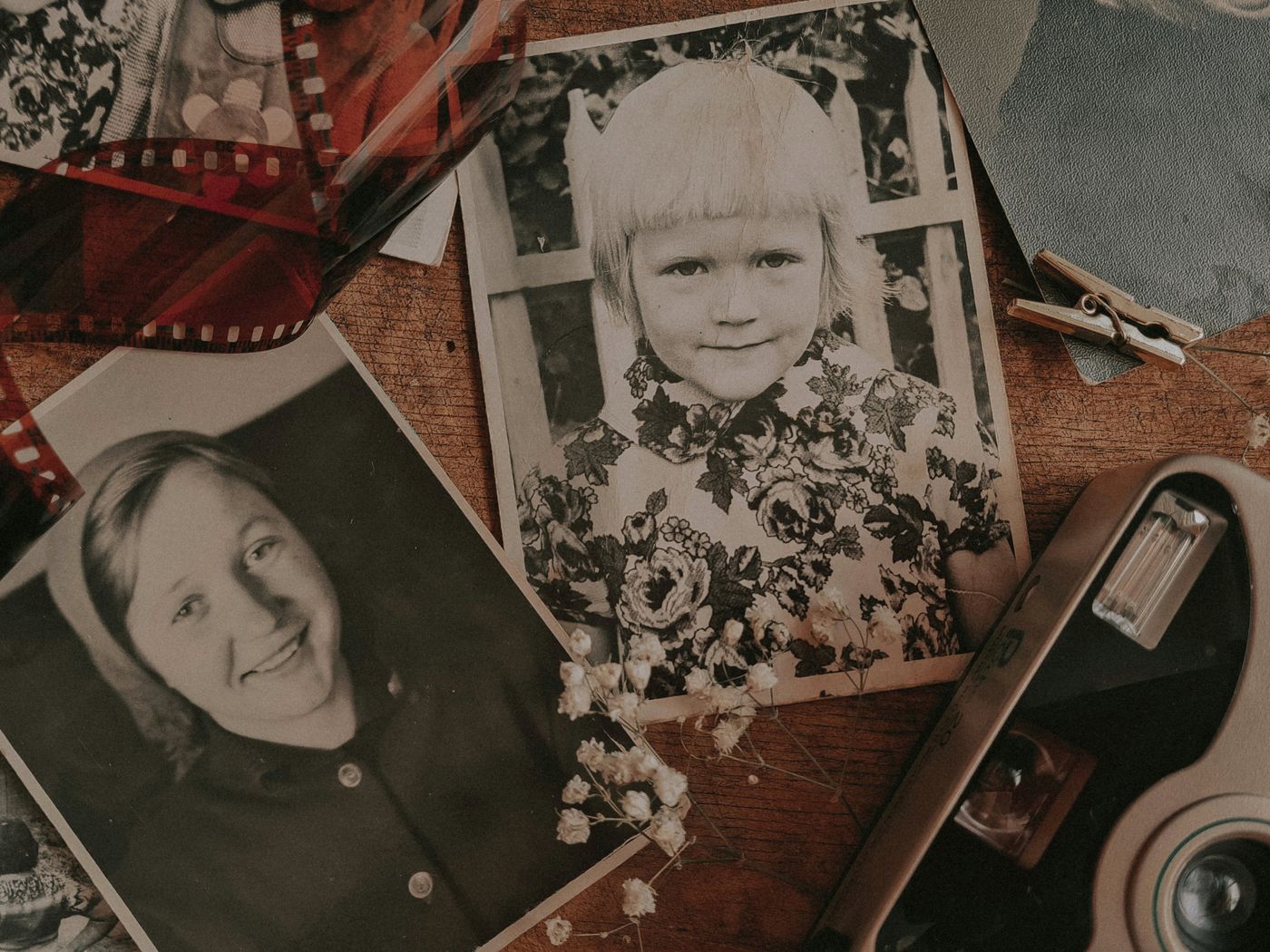
Separate faithful scanning from generative repair, and review the places where a smoother image might replace a real detail with a plausible one.
Artificial Intelligence
A fictional set of meeting papers gives you a safe way to see whether a summarizer can keep dates, decisions, and open questions straight.

Artificial Intelligence
Use a dozen invented descriptions to find where a local sorting tool needs better examples, clearer labels, or an explicit pass to a person.

Smartphones
Practice a small offline-to-online handoff before relying on a phone to connect a laptop away from a dependable network.
Smartphones
Capture the prompt a helper needs, preserve enough context to reproduce it, and inspect the exported copy before sharing it.

Smartphones
Build a short sequence of pictures for someone beside you, practice the viewing path, and decide separately whether anything needs to be sent.
Smartphones
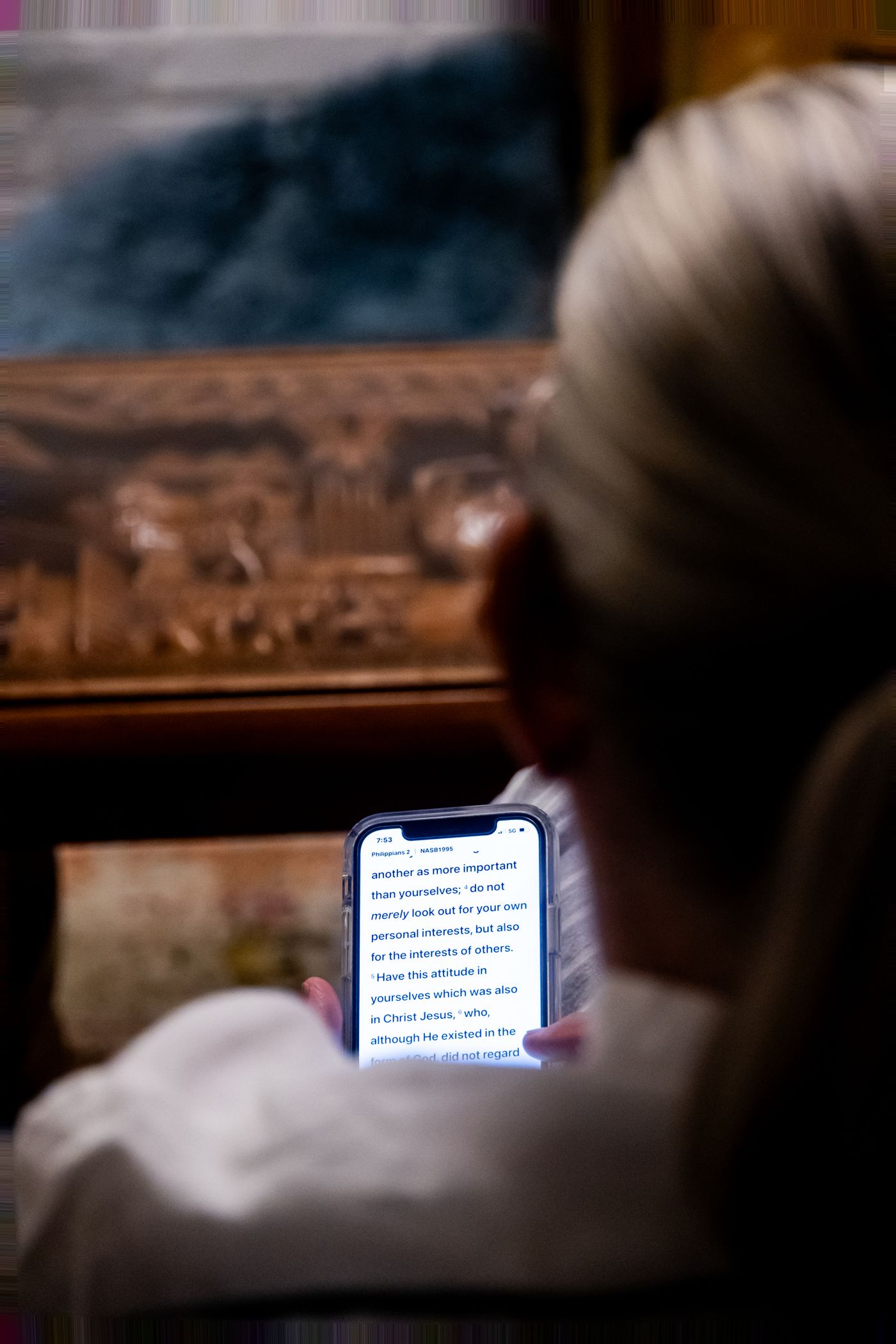
Use a few familiar pages to tune type size, reading modes, and contrast for the way you actually read on a small screen.

Smartphones
A sequence of small choices about light, angle, focus, and edits can give a phone photograph a clear subject in under a minute.
Smartphones
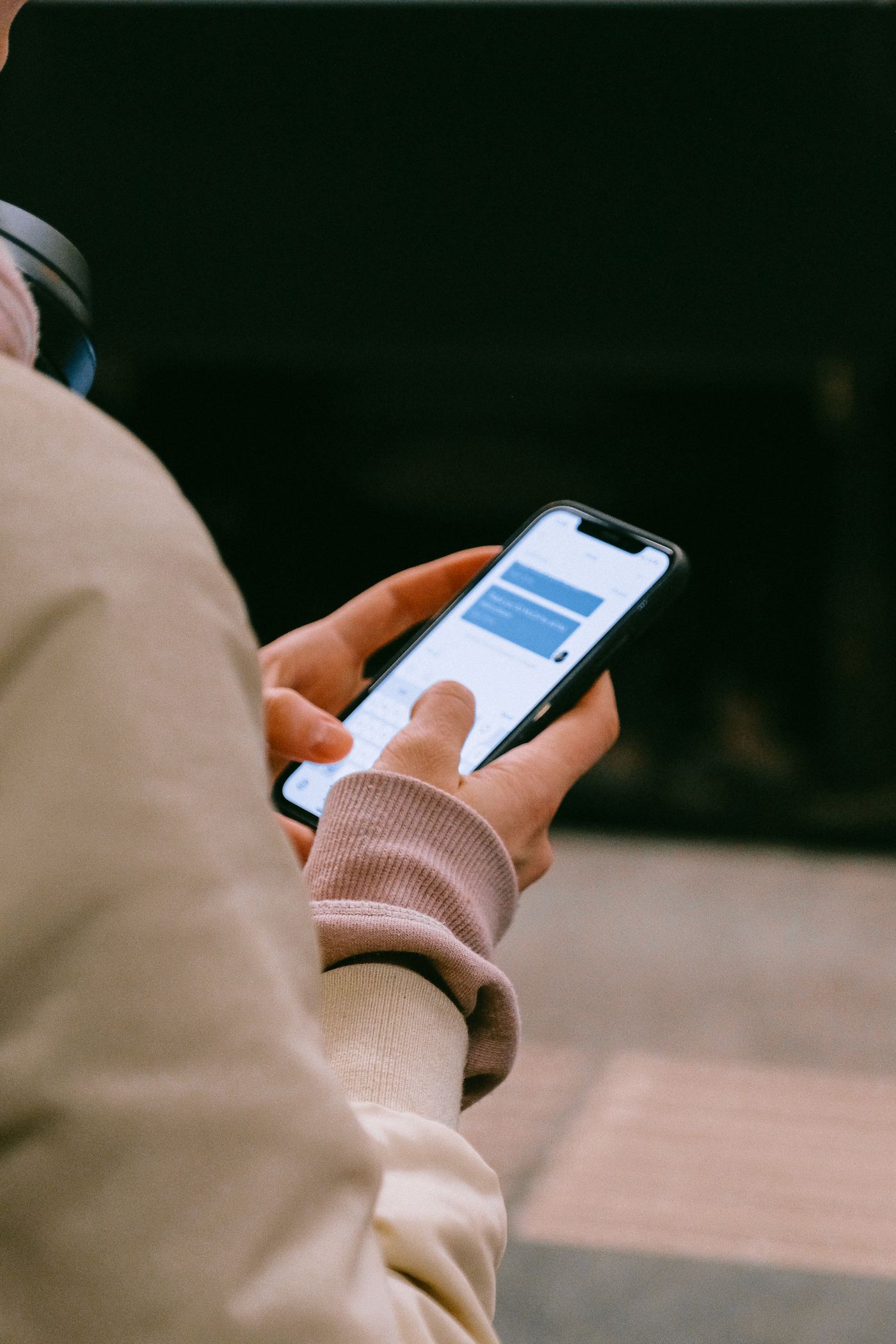
Run a short test with names, accents, and mixed sentences so the keyboard helps in both languages without silently rewriting the important words.
Computing & Hardware
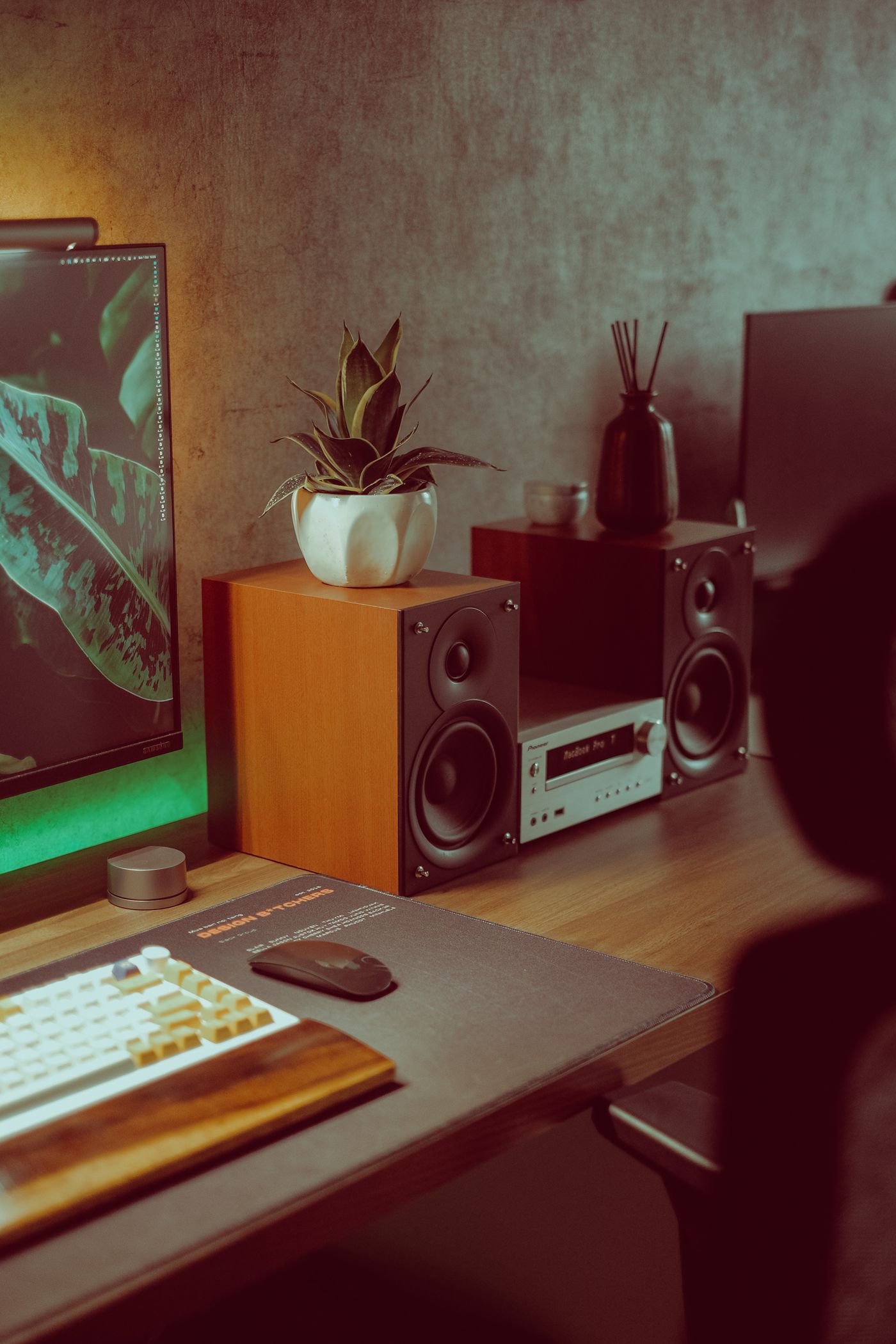
Follow one known audio source through the app, computer, cable, monitor, and speaker before assuming that any of the equipment is broken.
Computing & Hardware
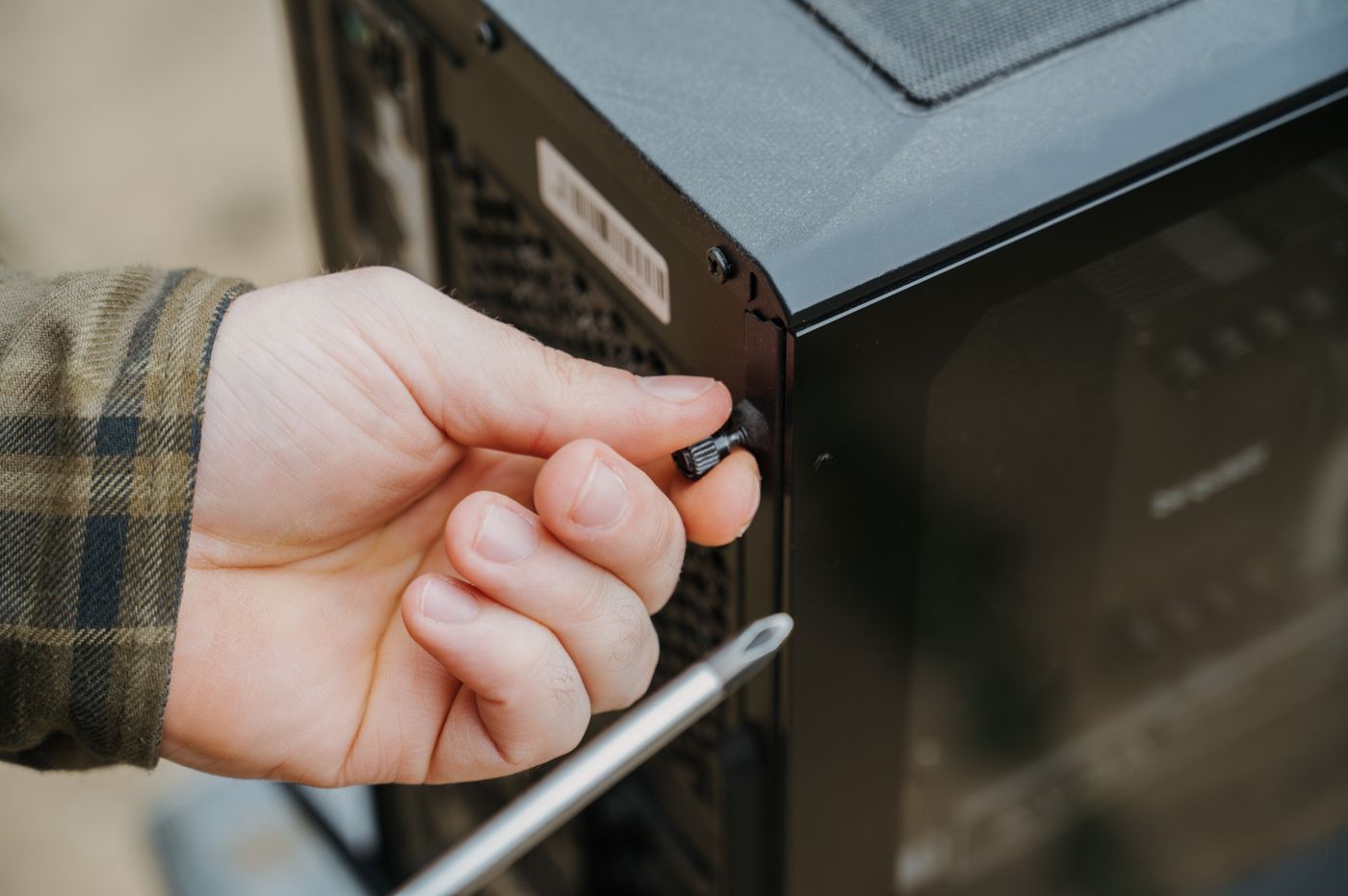
Use the timing and character of a new noise to separate a busy fan, a vibrating surface, and equipment that needs a closer look.
Computing & Hardware
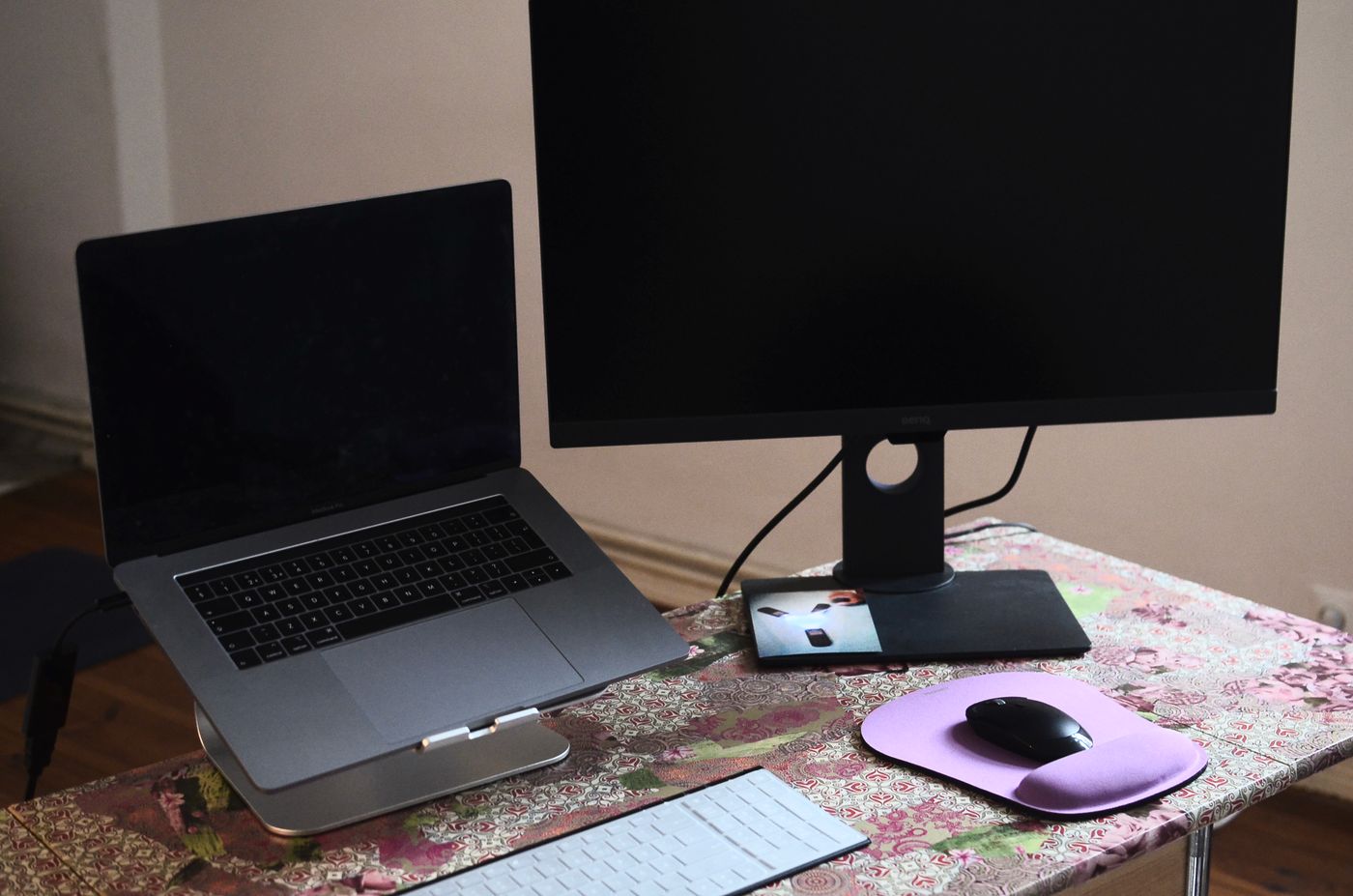
A day of readings can put the laptop, monitor, and idle accessories in proportion and reveal which changes would actually affect energy use.
Computing & Hardware
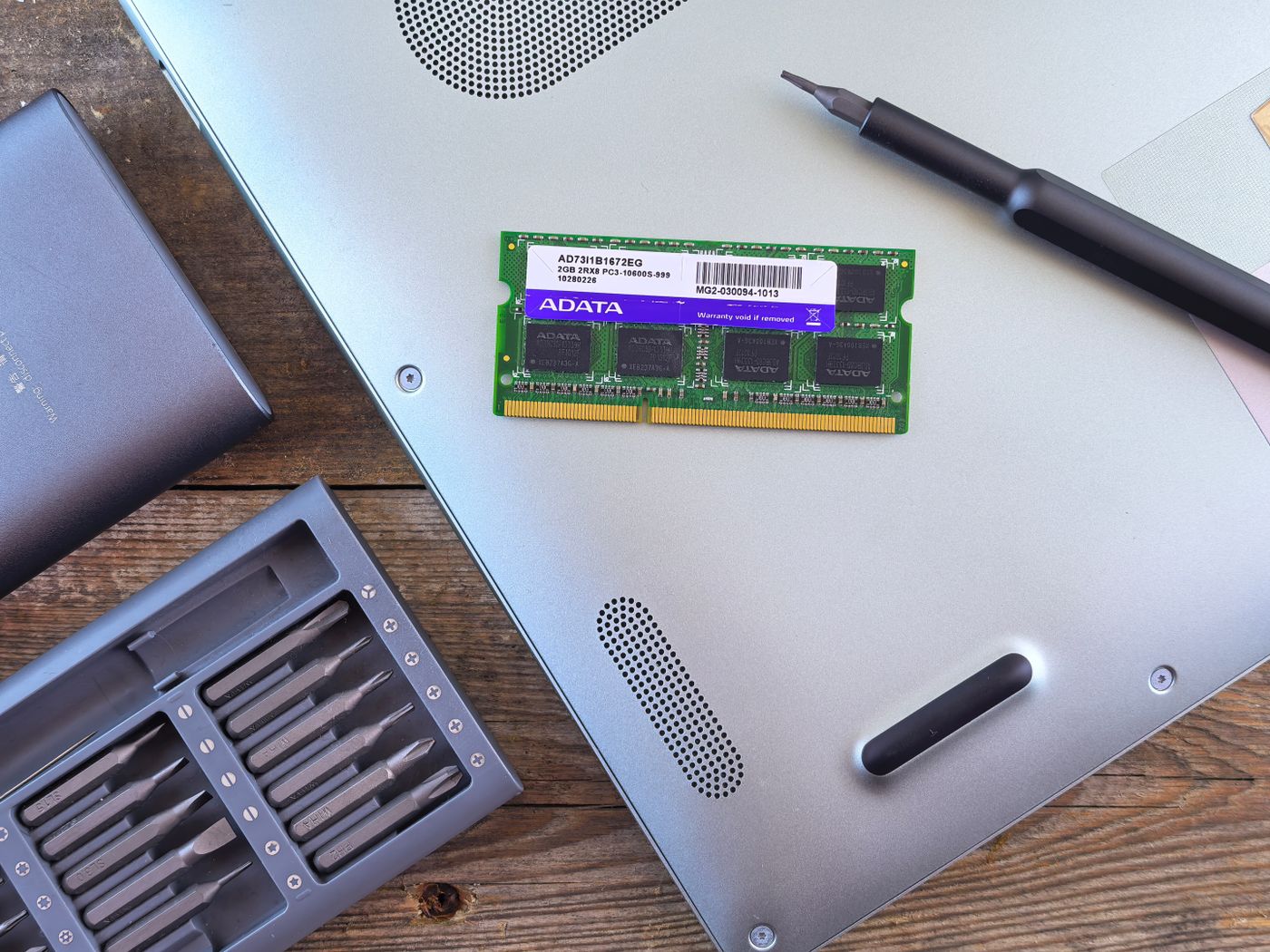
Identify the exact computer configuration, confirm what its memory slots can accept, and choose an upgrade that addresses a workload you can reproduce.
Computing & Hardware
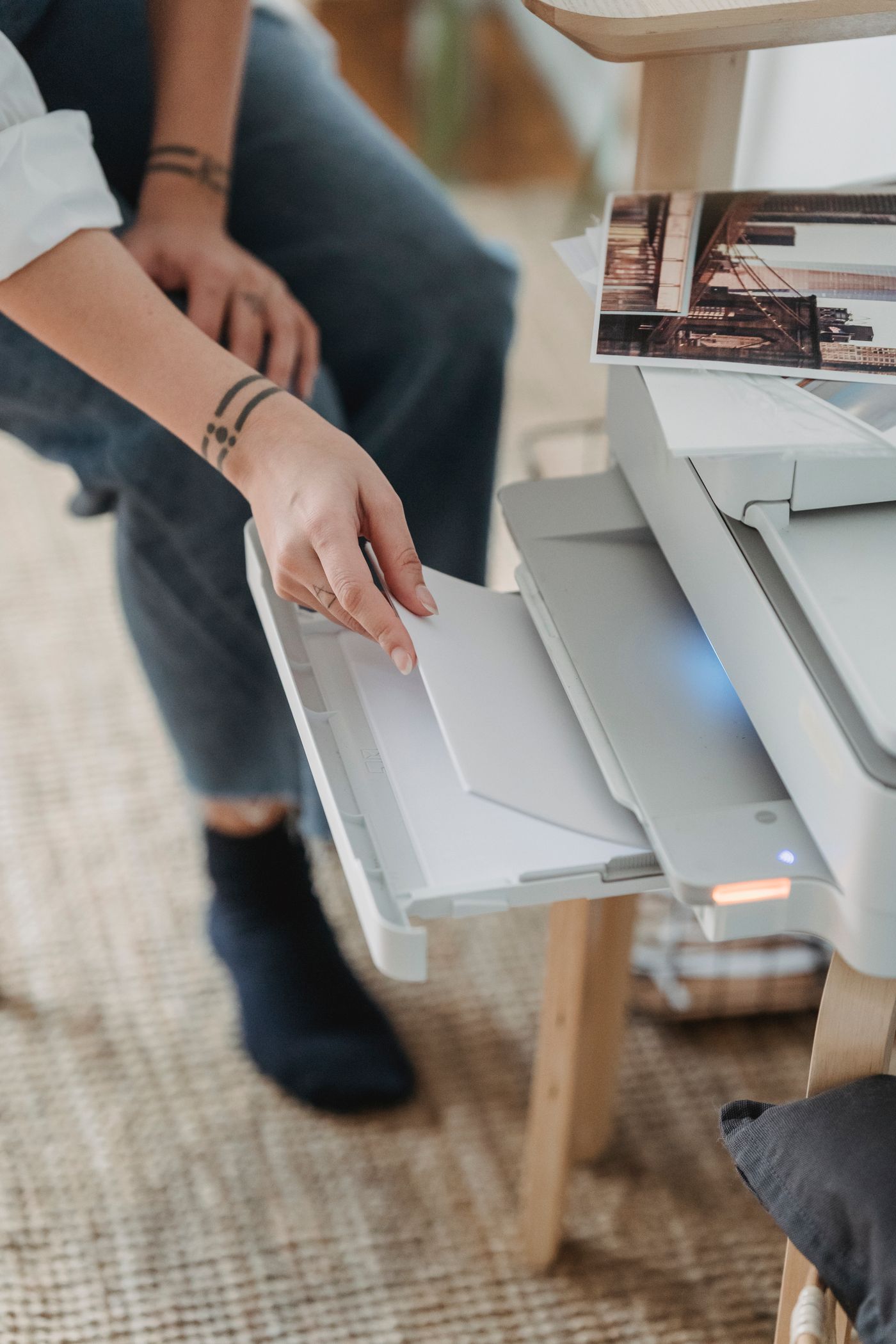
Use a local test page, two short jobs, and a week of ordinary use to tell whether a home printer has a hardware problem or an inconvenient setup.
Computing & Hardware
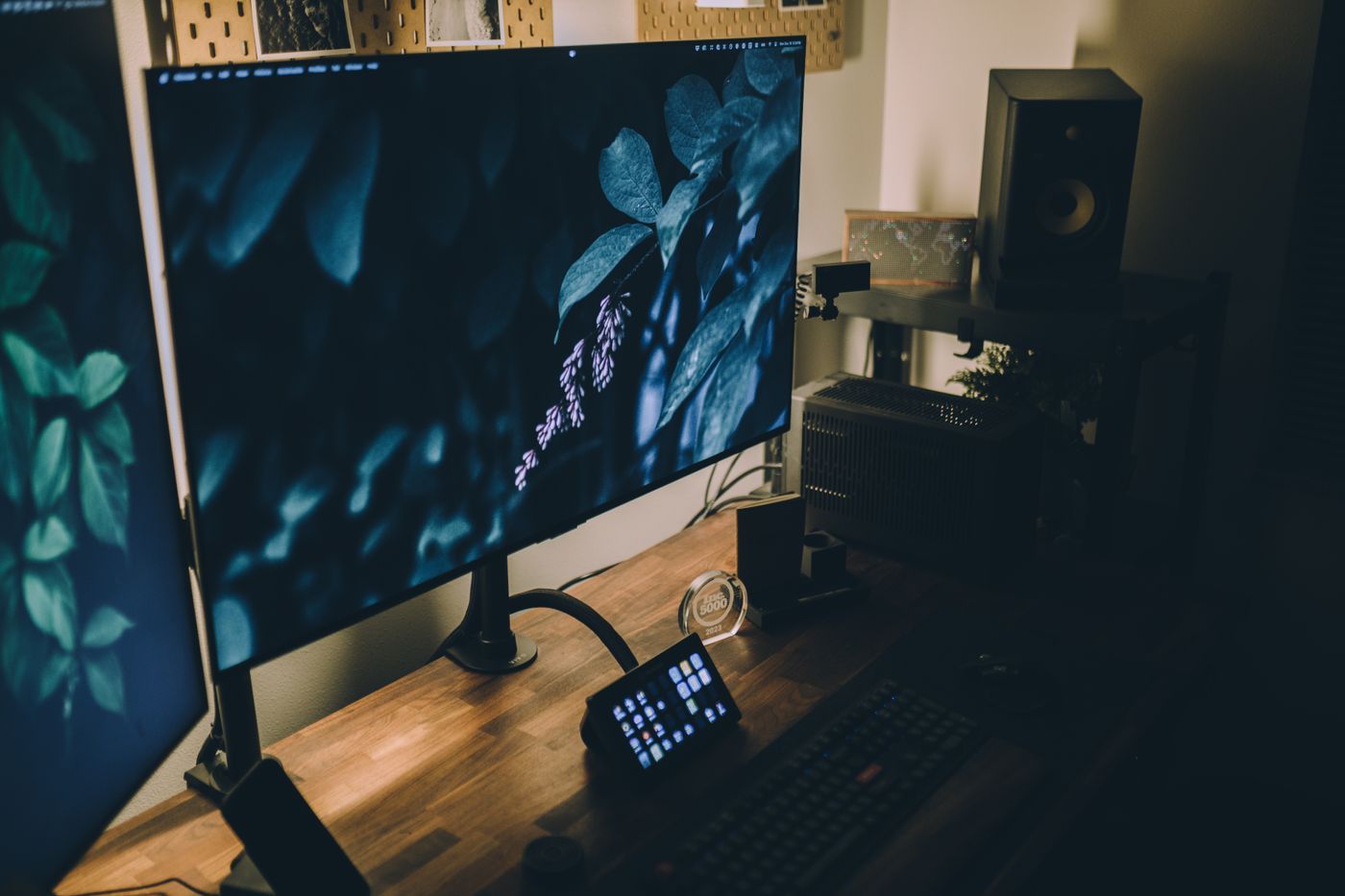
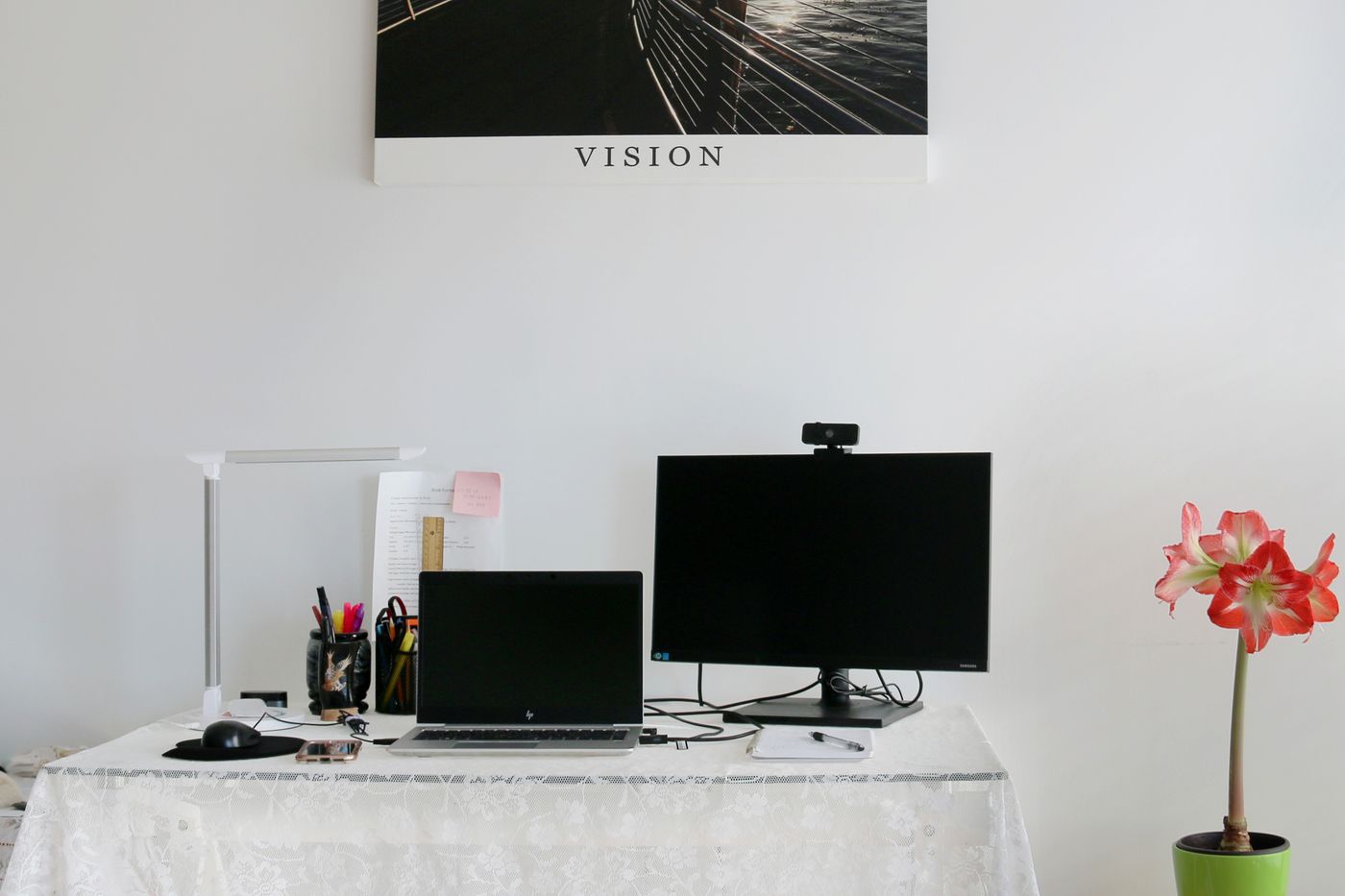
Specify the actual display arrangement, then test what happens after an ordinary break and a trip away from the desk.
Gadgets & Wearables
Fit a webcam around the screen, cable, and ordinary working posture so the next call starts with the same usable picture as the rehearsal.

Gadgets & Wearables
Check the remote, receiver, screen, and presenter notes in a small rehearsal that includes recovery from two common button mistakes.
Gadgets & Wearables
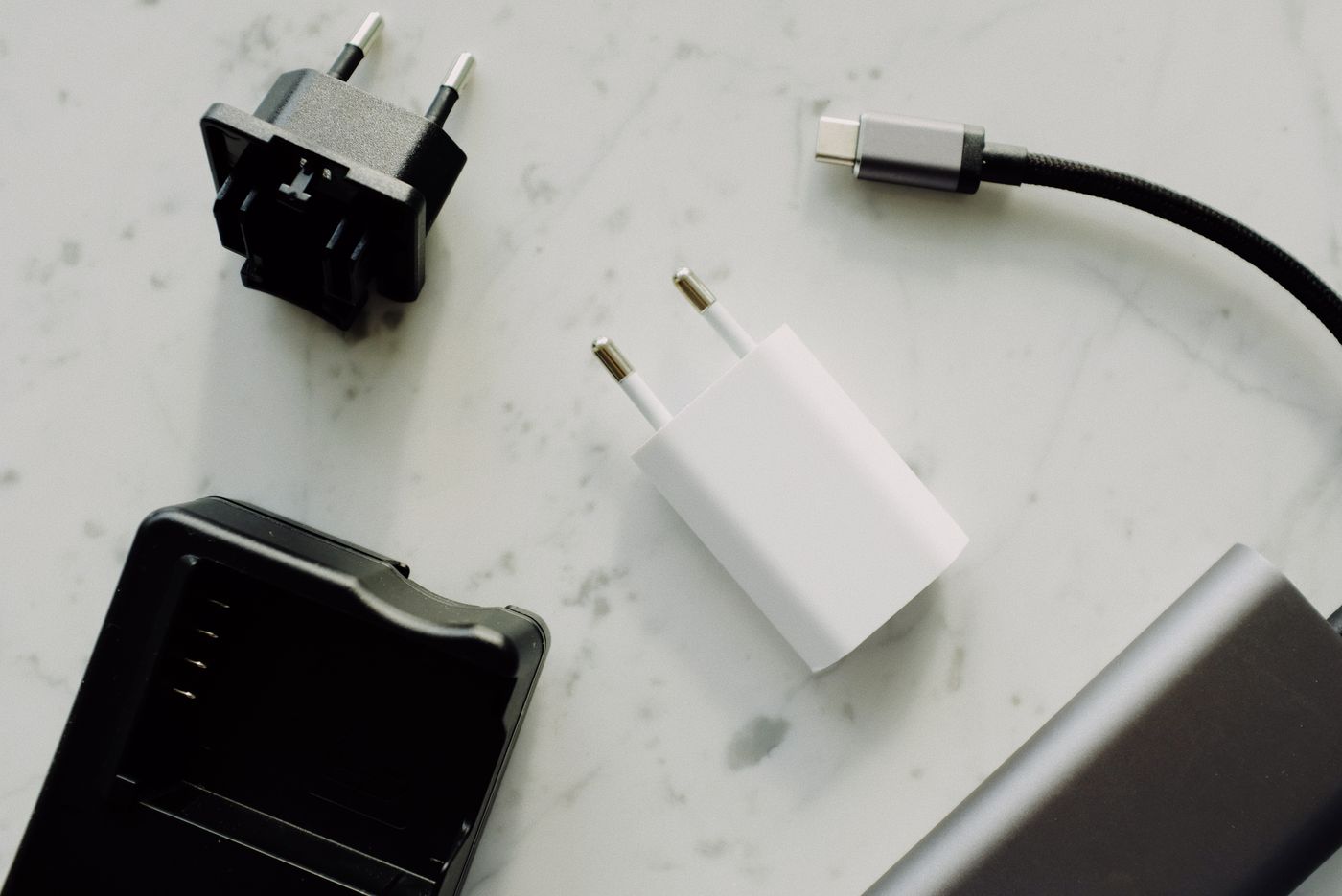
Label a few cables for jobs you have actually verified, so charging, a monitor, and a file transfer each have a dependable starting point.
Gadgets & Wearables
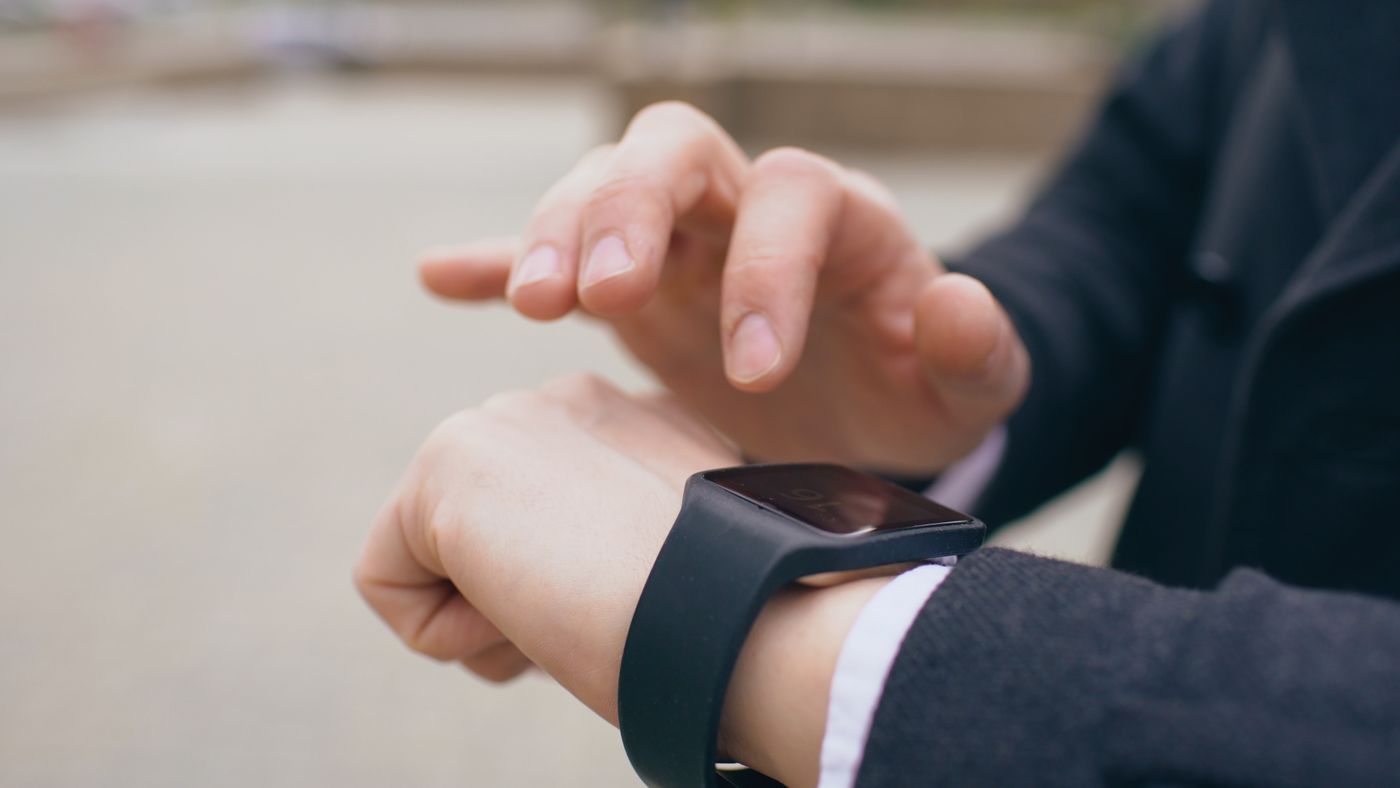
Choose which alerts should reach your wrist and rehearse how they arrive when the phone is open, put away, or out of reach.

Gadgets & Wearables
Set up an everyday listening routine that makes announcements, interruptions, and a second connected device easier to deal with.
Gadgets & Wearables
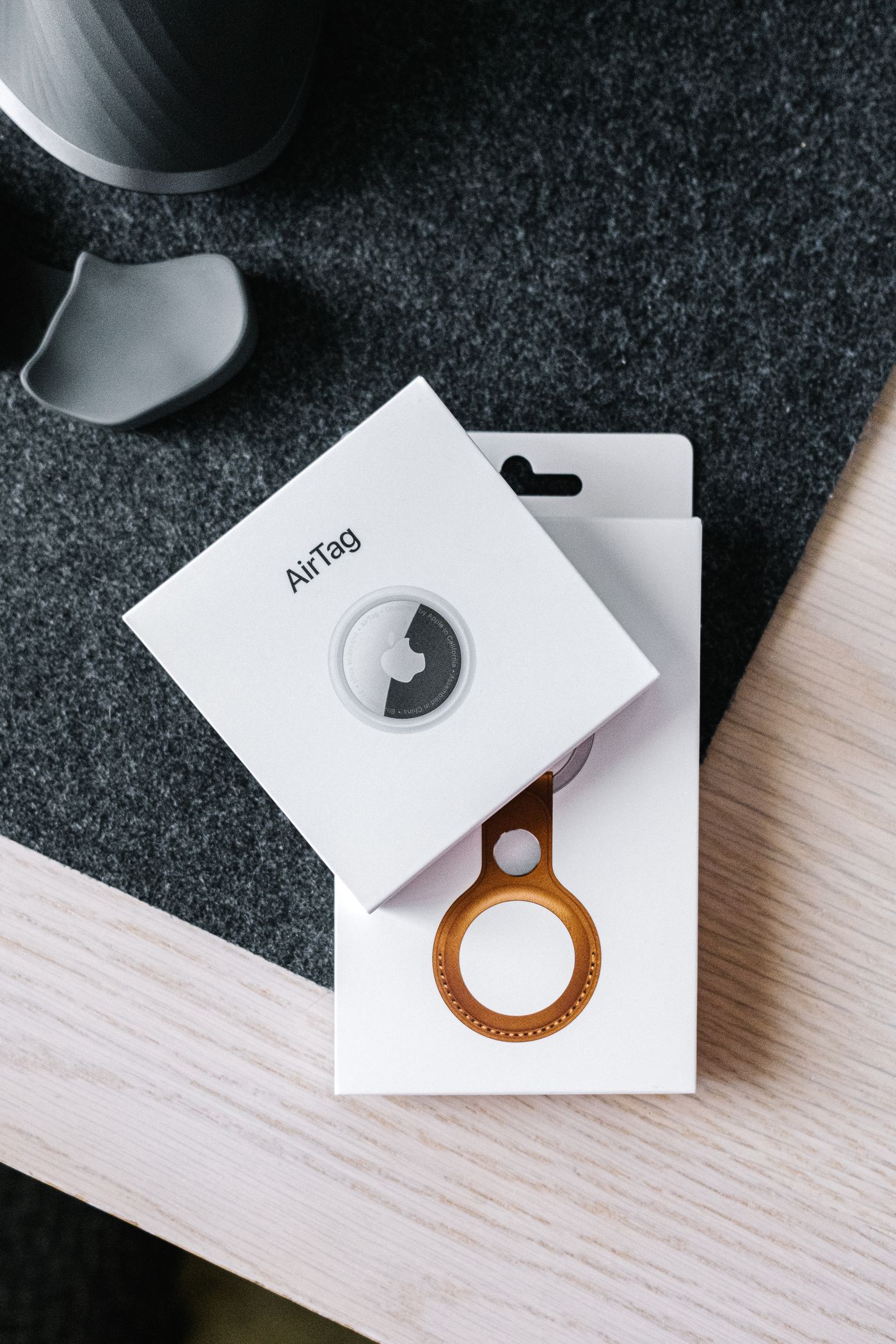
Learn what a tracker can report in the same room, in another room, and after you leave, before relying on it to recover your everyday things.