Computing & Hardware
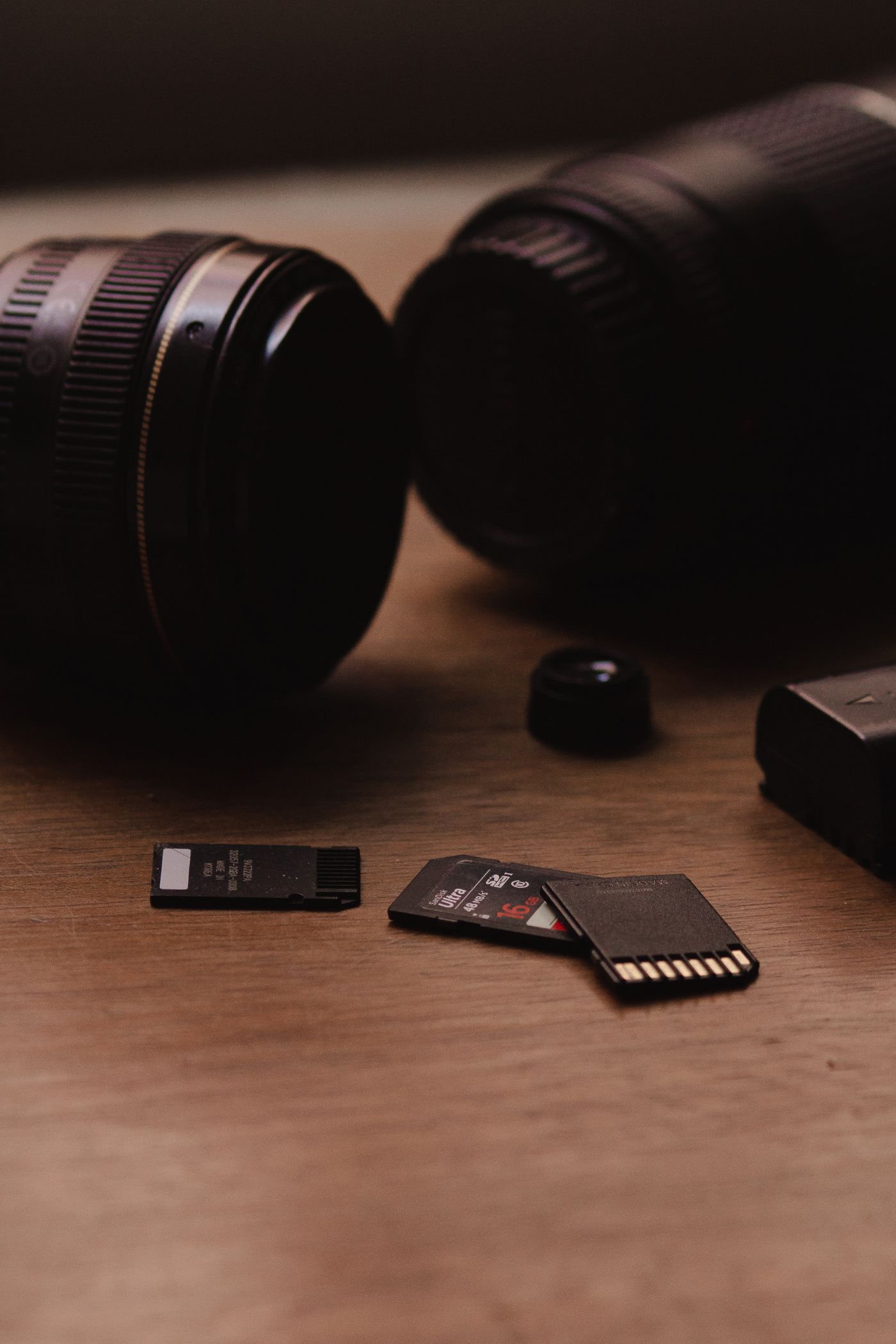
Choose a Memory Card for the Clip You Want to Record
Match the camera’s recording mode to its card instructions, then verify the full capture and transfer on equipment you already use.

PC builds, laptop reviews, processor benchmarks, GPU comparisons, and hardware deep dives.
Computing & Hardware
Match the camera’s recording mode to its card instructions, then verify the full capture and transfer on equipment you already use.
Computing & Hardware
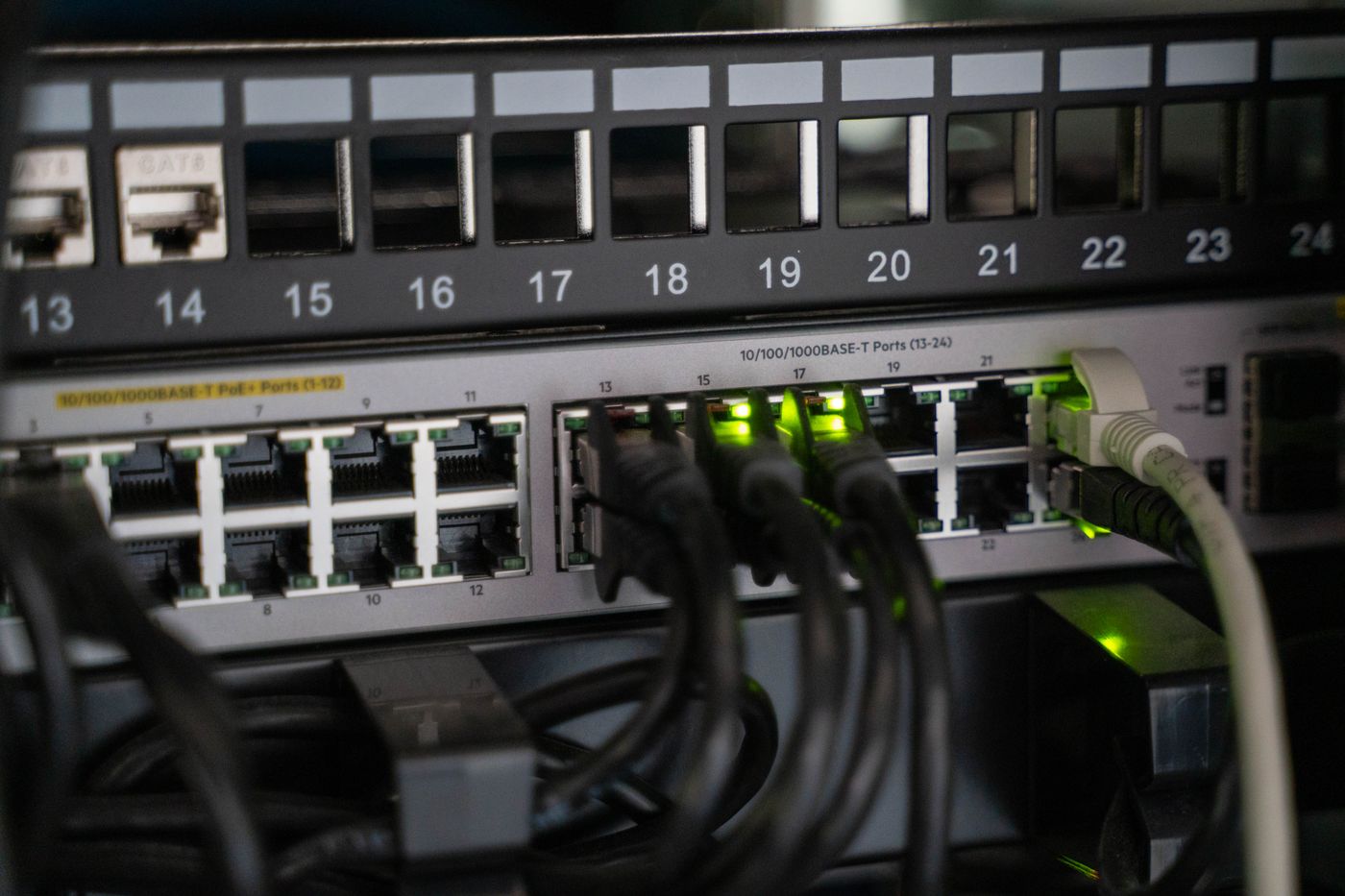
Label the devices that bring the connection into your home, and practice recognizing what has recovered before restarting anything else.
Computing & Hardware
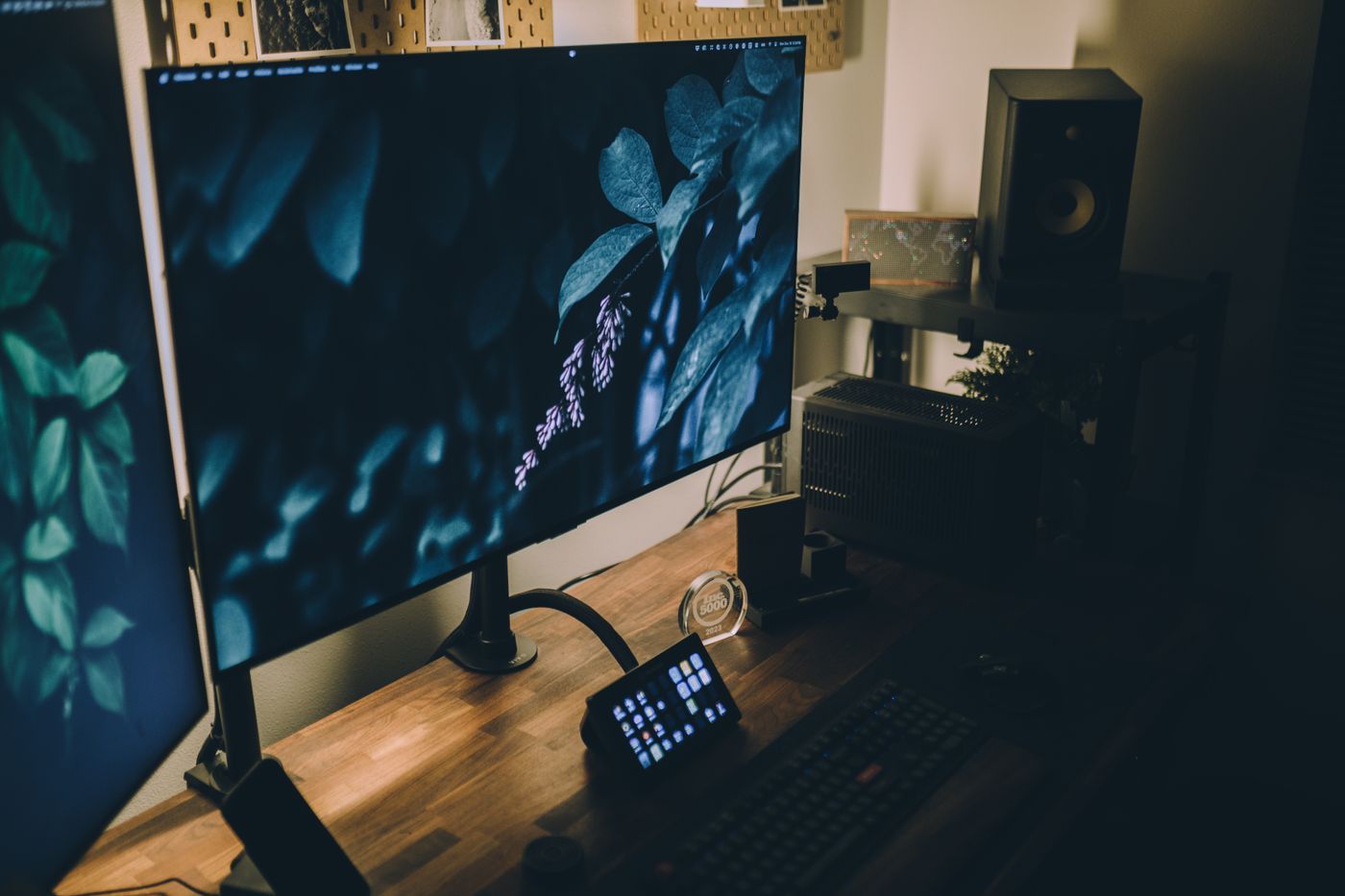
Specify the actual display arrangement, then test what happens after an ordinary break and a trip away from the desk.
Computing & Hardware
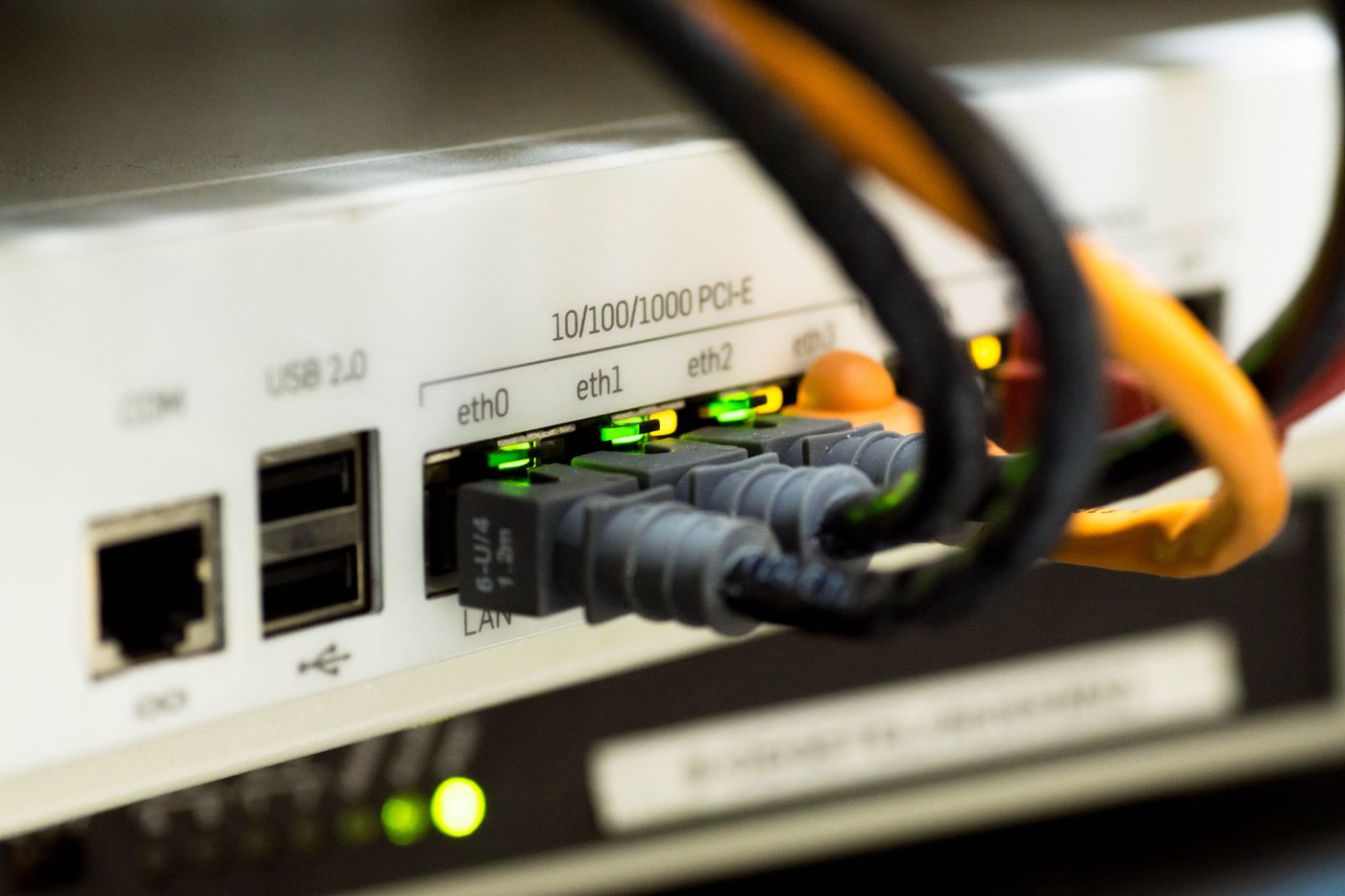
A small comparison across rooms and hours can show whether a weak link follows the wireless path, the busy evening, or one particular device.

Computing & Hardware
Observe memory pressure, separate slow pages from slow switching, and change one part of a working browser session at a time.
Computing & Hardware
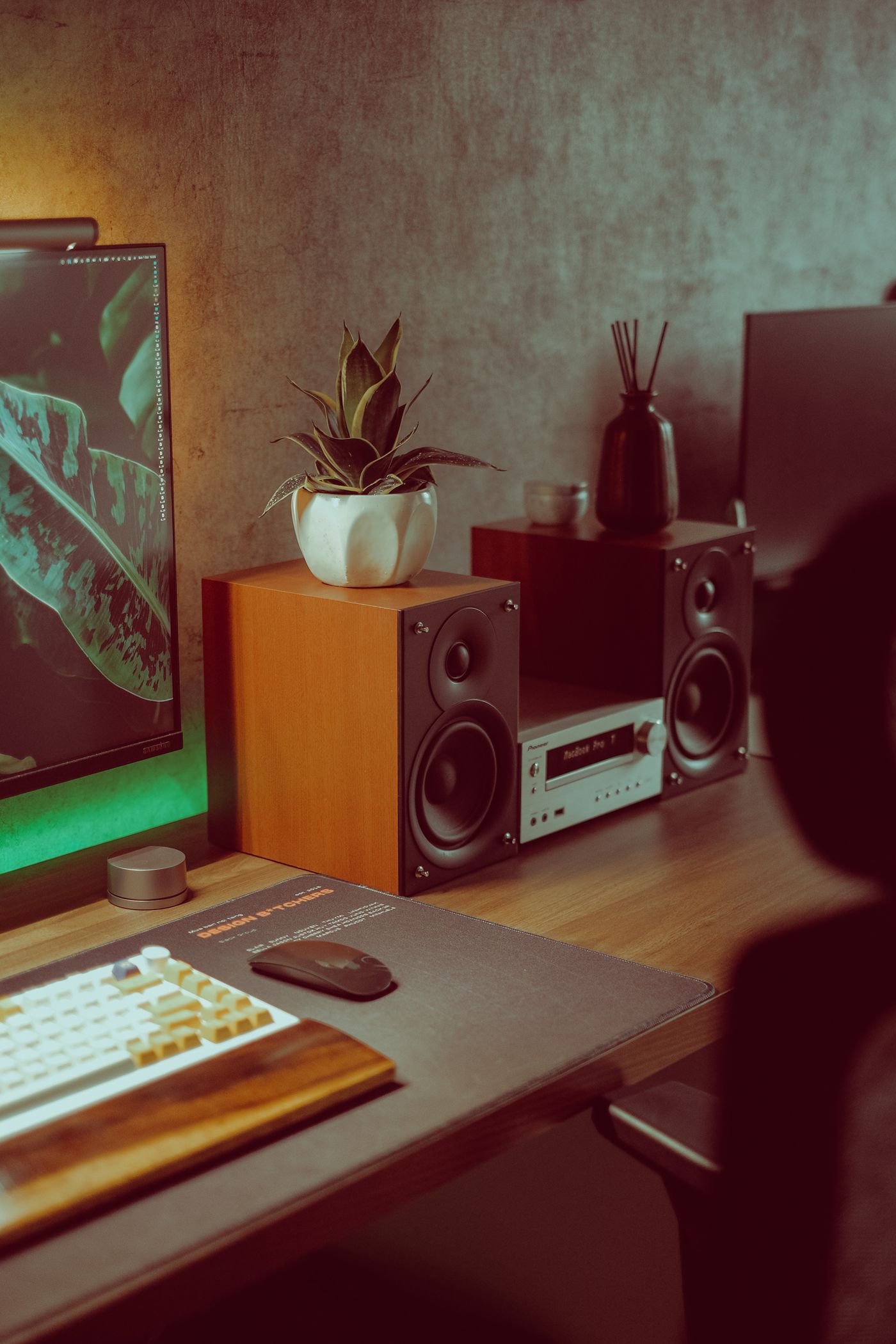
Follow one known audio source through the app, computer, cable, monitor, and speaker before assuming that any of the equipment is broken.
Computing & Hardware
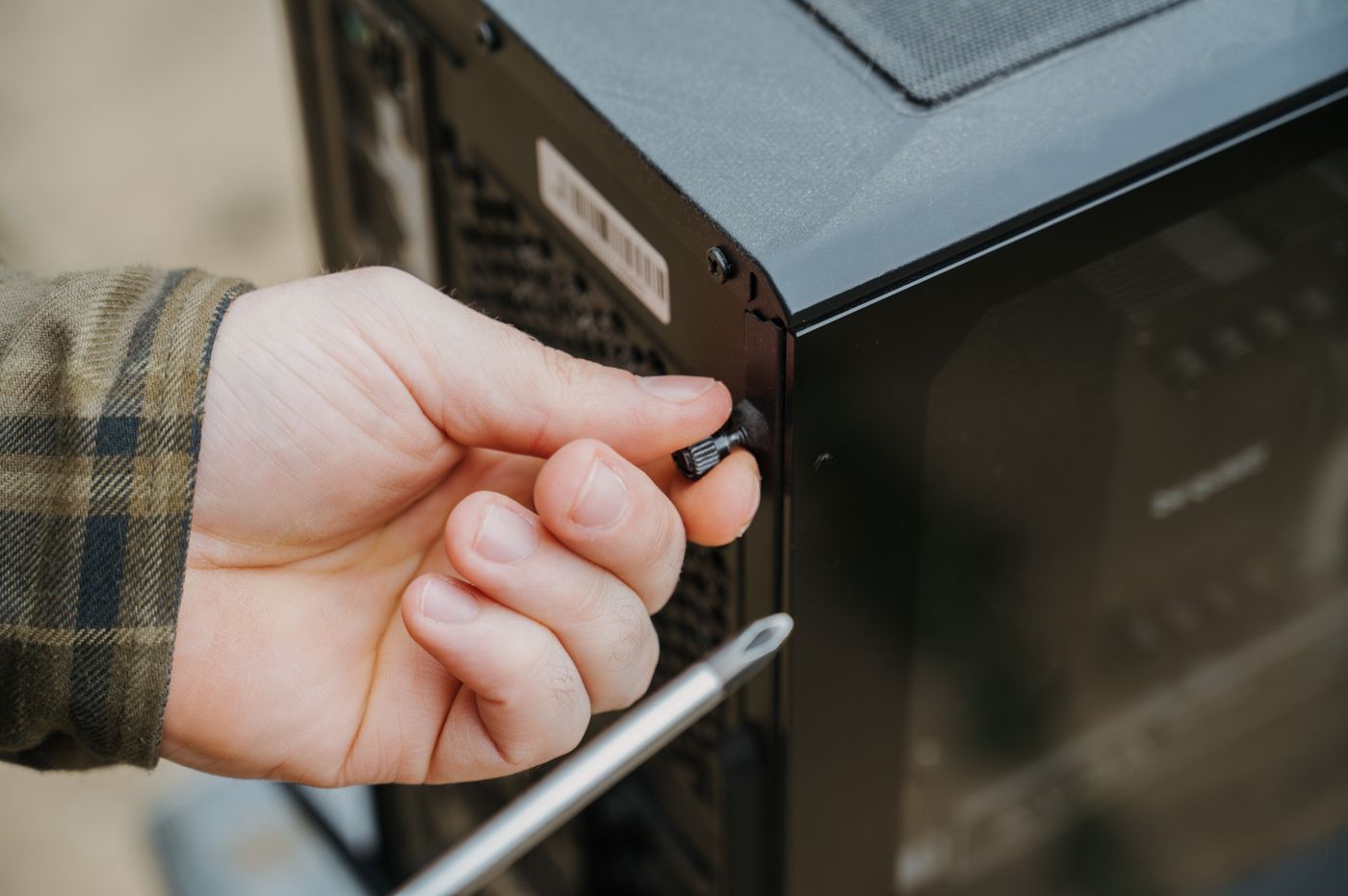
Use the timing and character of a new noise to separate a busy fan, a vibrating surface, and equipment that needs a closer look.
Computing & Hardware
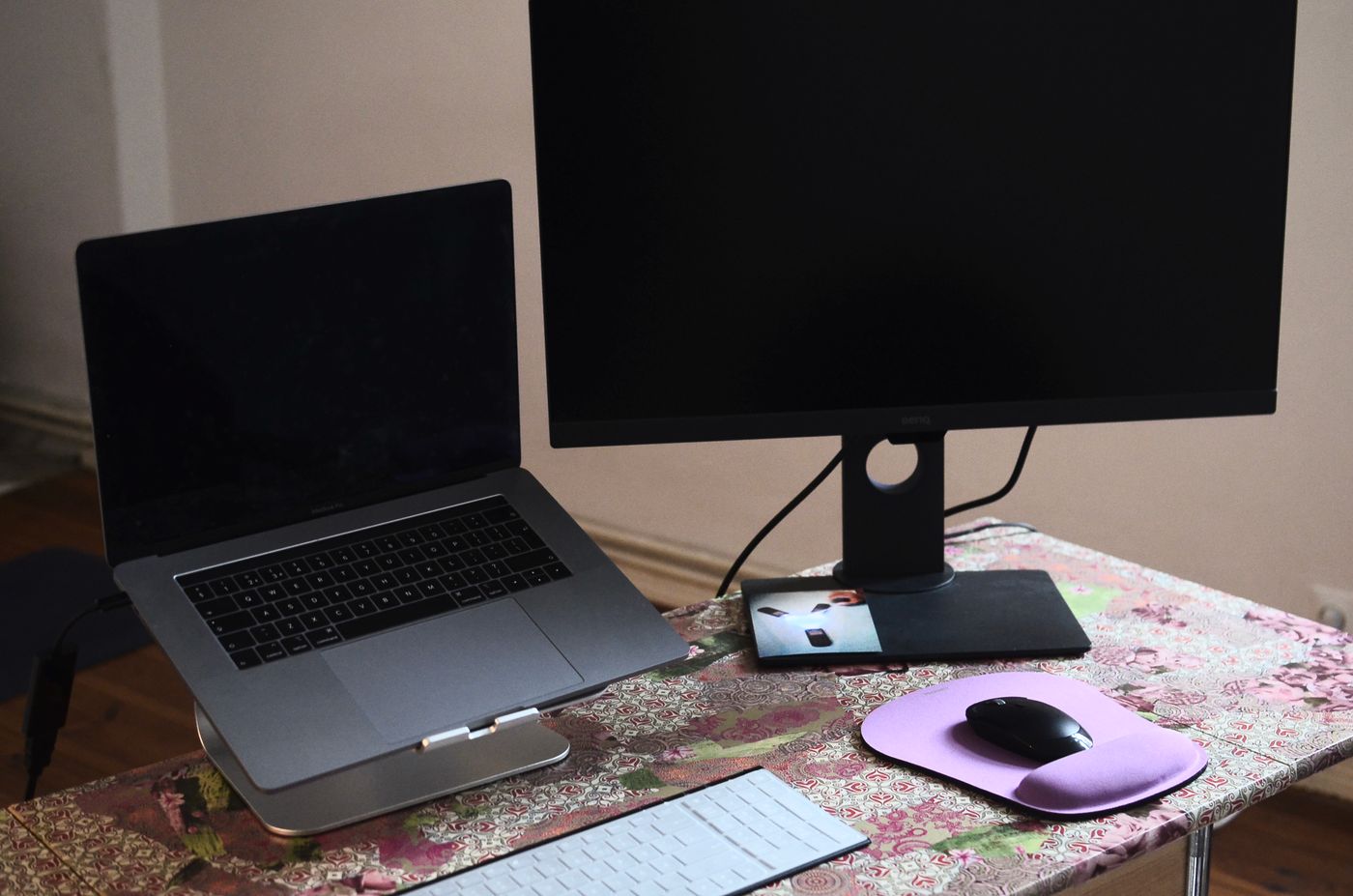
A day of readings can put the laptop, monitor, and idle accessories in proportion and reveal which changes would actually affect energy use.
Computing & Hardware
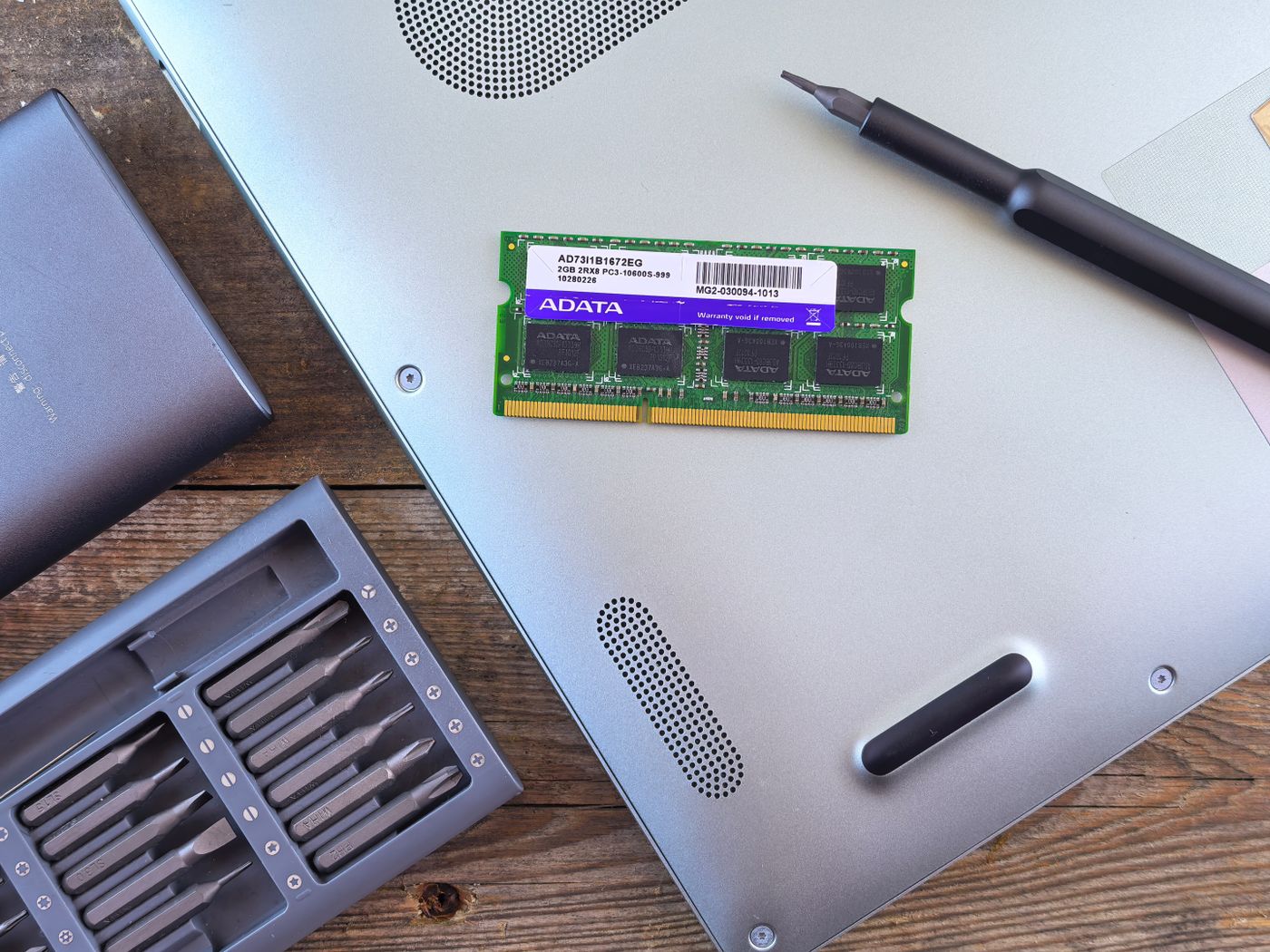
Identify the exact computer configuration, confirm what its memory slots can accept, and choose an upgrade that addresses a workload you can reproduce.
Computing & Hardware
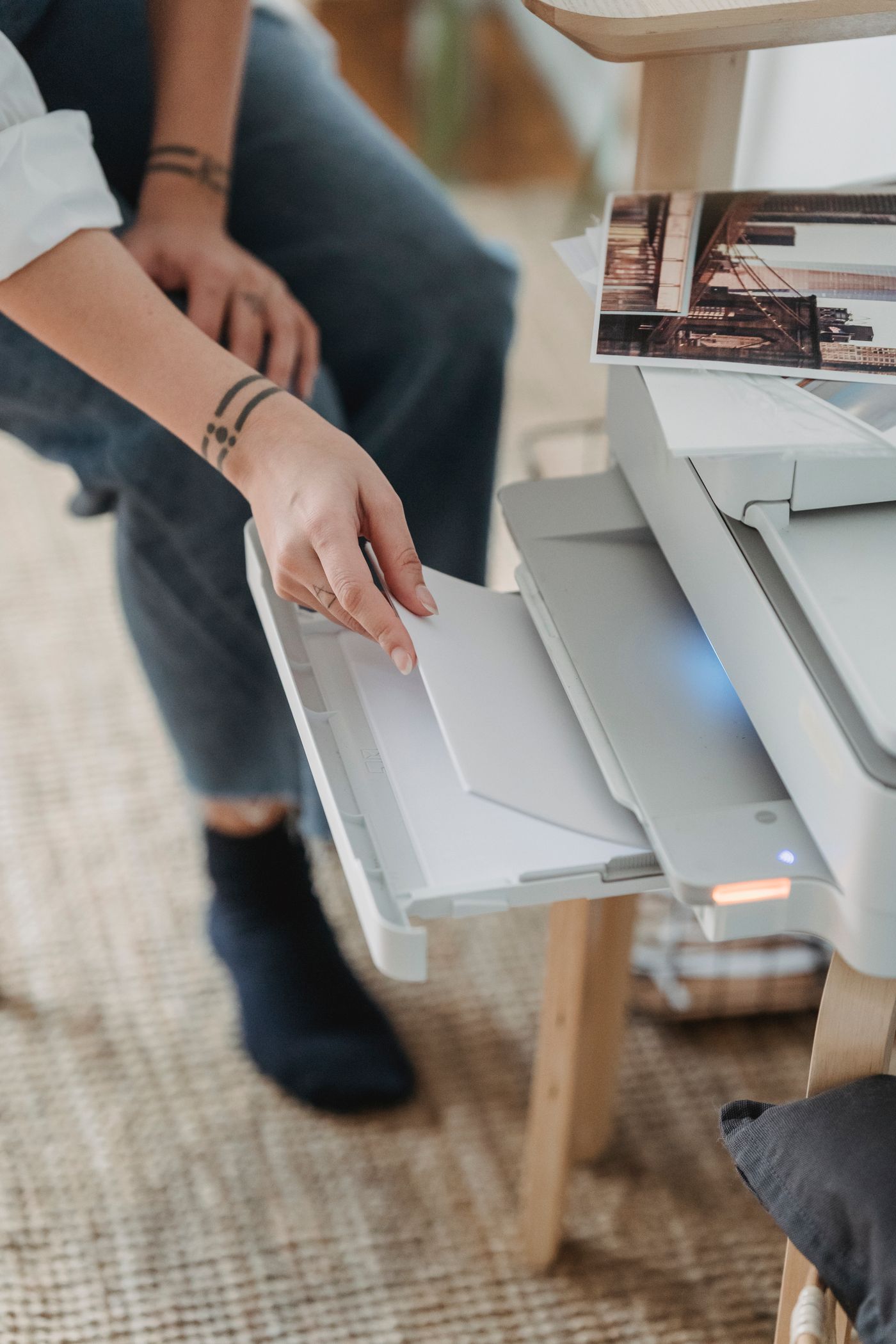
Use a local test page, two short jobs, and a week of ordinary use to tell whether a home printer has a hardware problem or an inconvenient setup.